Jan 2024 – ongoing
Redesigning Singtel.com’s support page
Content strategy, cross-team coordination, and technical problem-solving

Why it mattered
The problem
Singtel’s support page get ~22k visits monthly and is the 5th most visited page
With 125k calls to customer care each month, improving self-help can cut call volume substantially
The fix
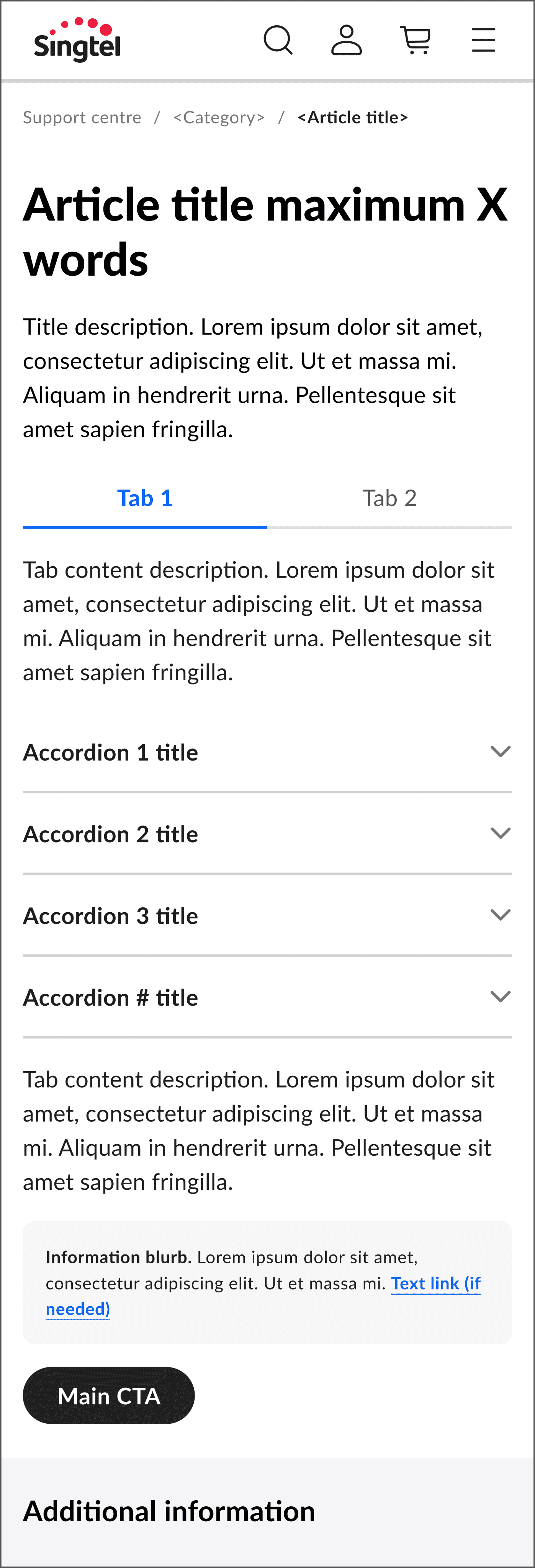
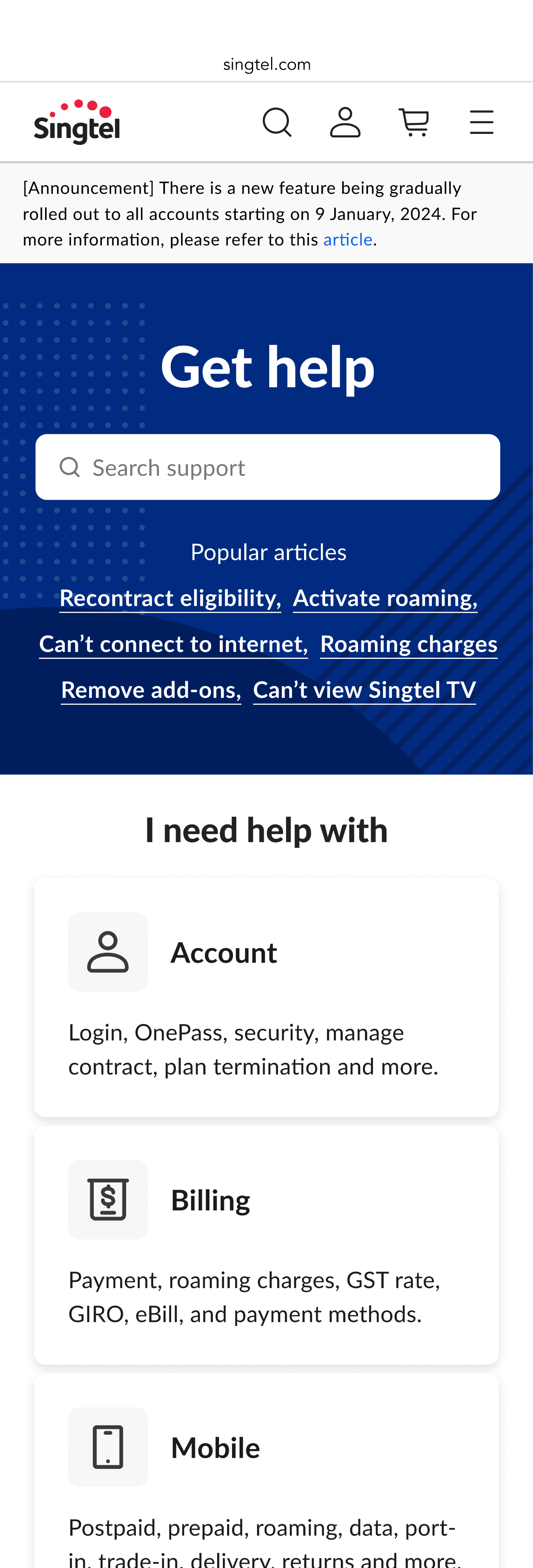
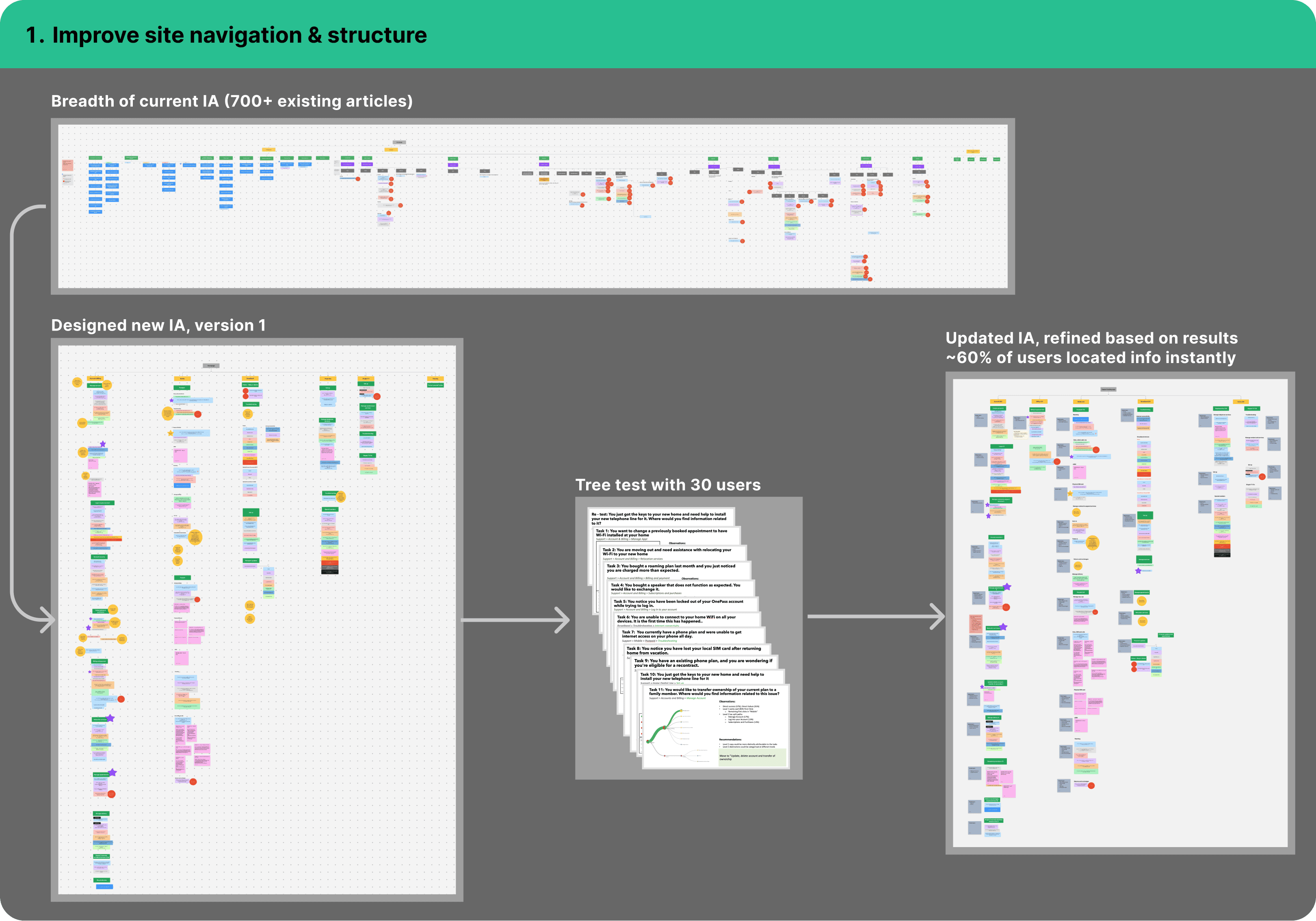
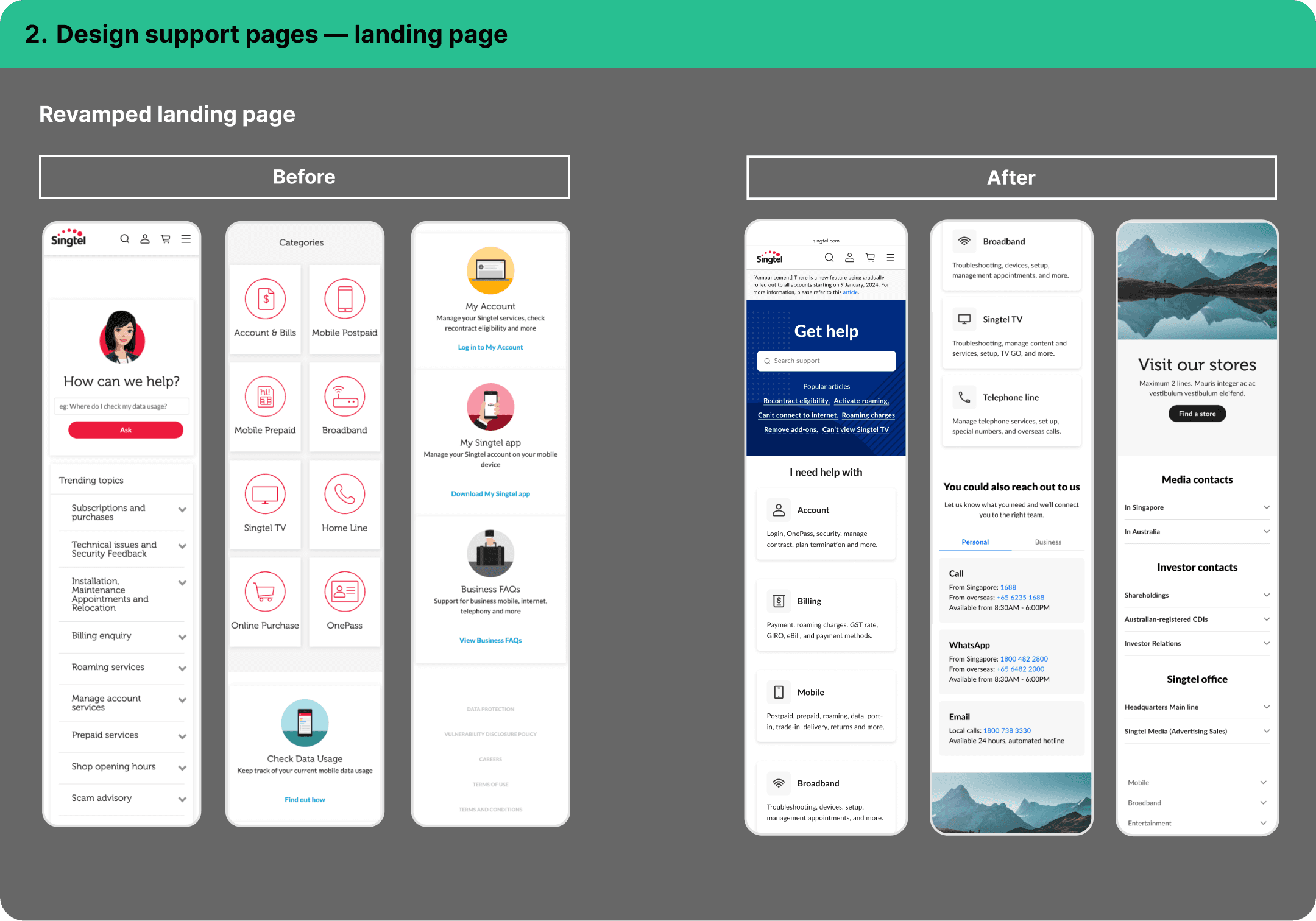
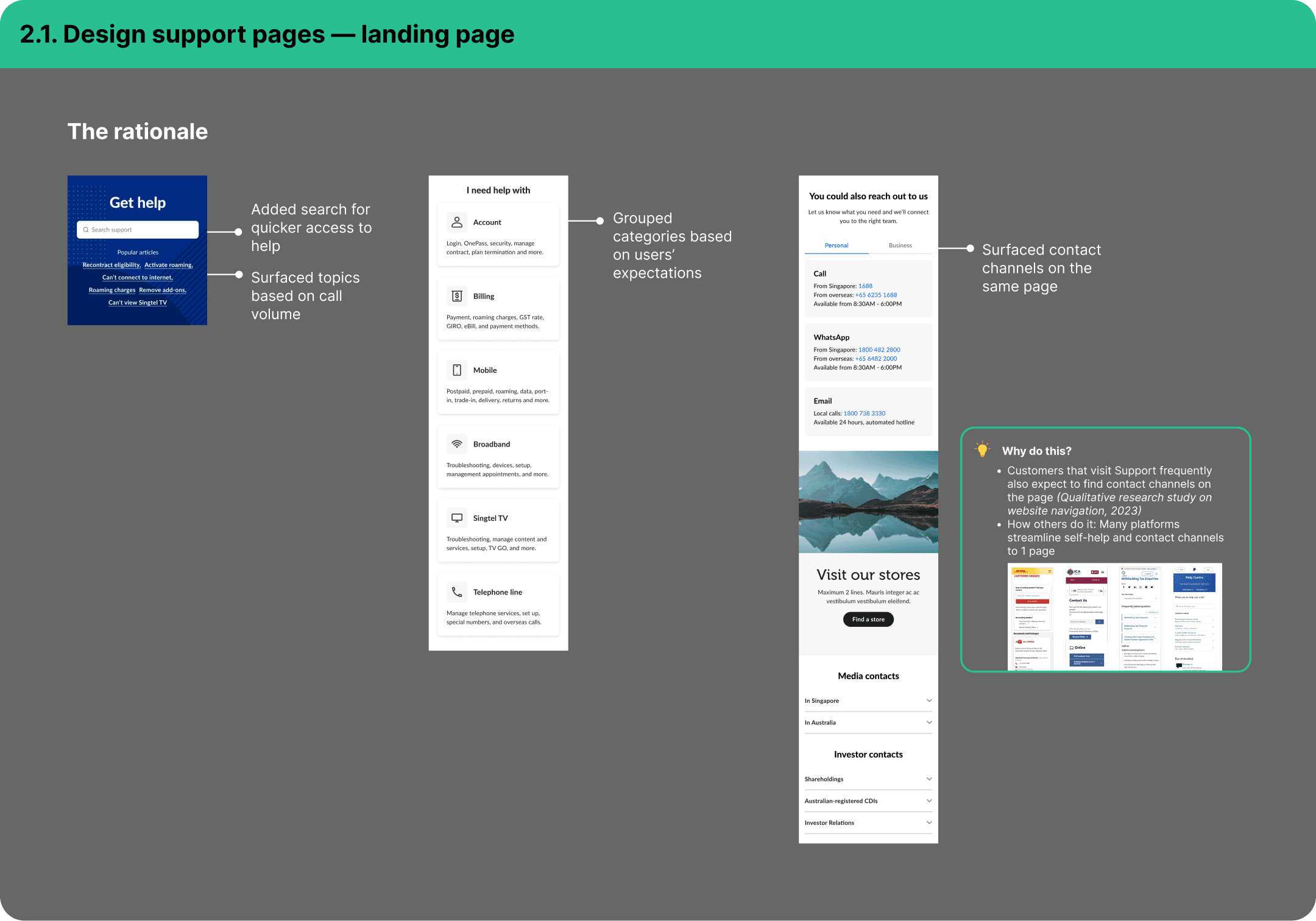
Revised content, information architecture, and design
Consolidated self-help and contact us options into 1 support hub
How this helps customers
Find answers faster in fewer clicks
Less cognitive load
How this helps the company
Improved work efficiency with reusable article design templates
Proven content migration approach that can be used for other projects
The details
The team
2 content designers
1 UX designer
2 researchers
Cross-functional partners
Product owners
Digital authoring team
Customer experience
Product marketing
Part 1: The design work

Part 2: The execution
Good design means nothing if you can’t ship it
Here’s what made this complex:

A juggling act
700+ pages on a live site, 0 downtime allowed
Ongoing content requests during migration
Coordination across 4+ teams
Technical constraints
Parent/child URL pathway dependencies affecting migration

Build constraints
Design system components not fully available
Challenge 1: Technical constaints
The problem
URLs sharing parent paths had to migrate together
Unpublishing a parent path (e.g. /support/broadband/) would remove all child articles under it
• singtel.com/personal/support/broadband/routers-ont
• singtel.com/personal/support/broadband/troubleshoot-change-wifi-name-and-password
The solve
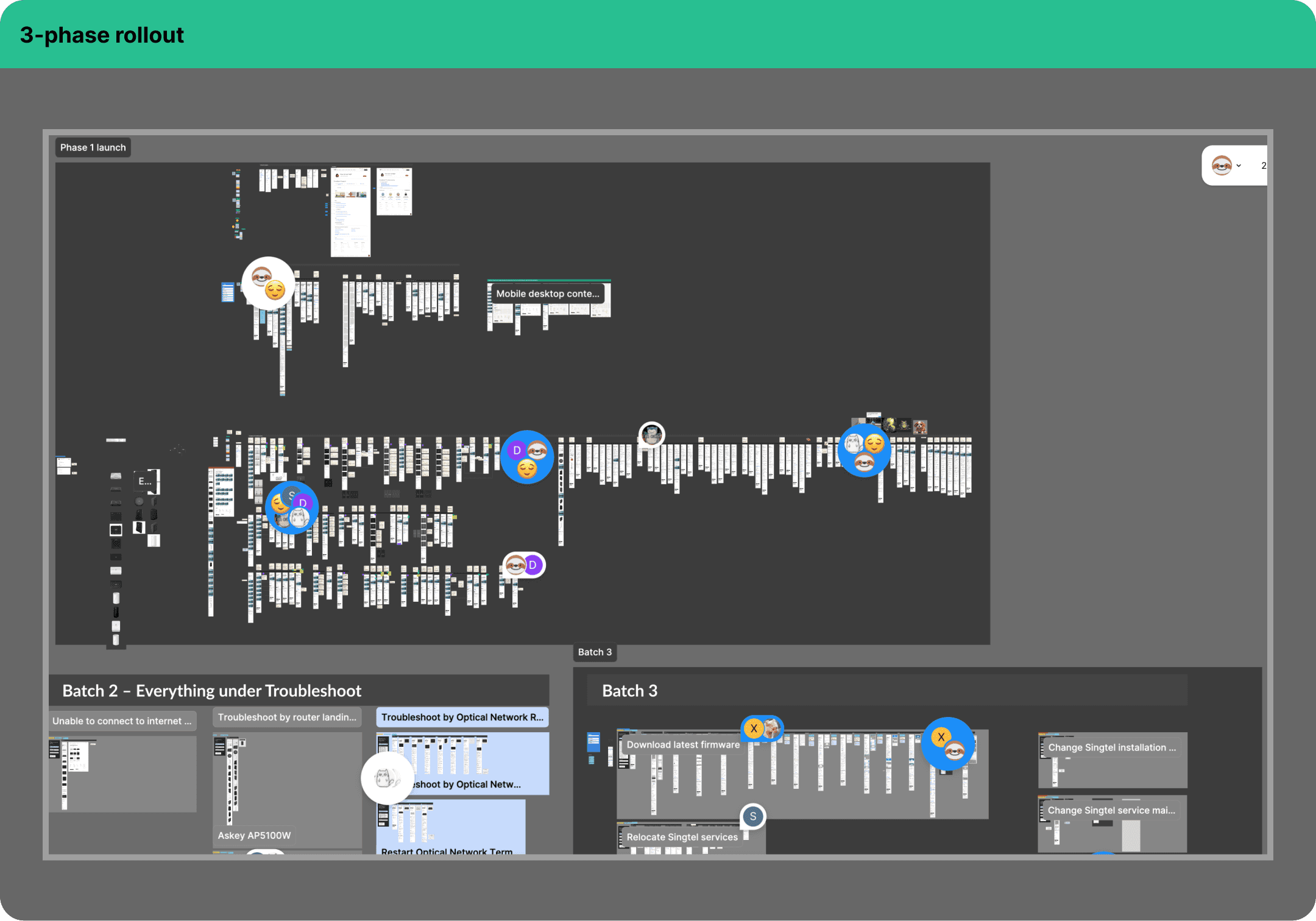
Batched migration by category — Broadband first
• Highest complexity (content & volume)
• 1 of top call drivers
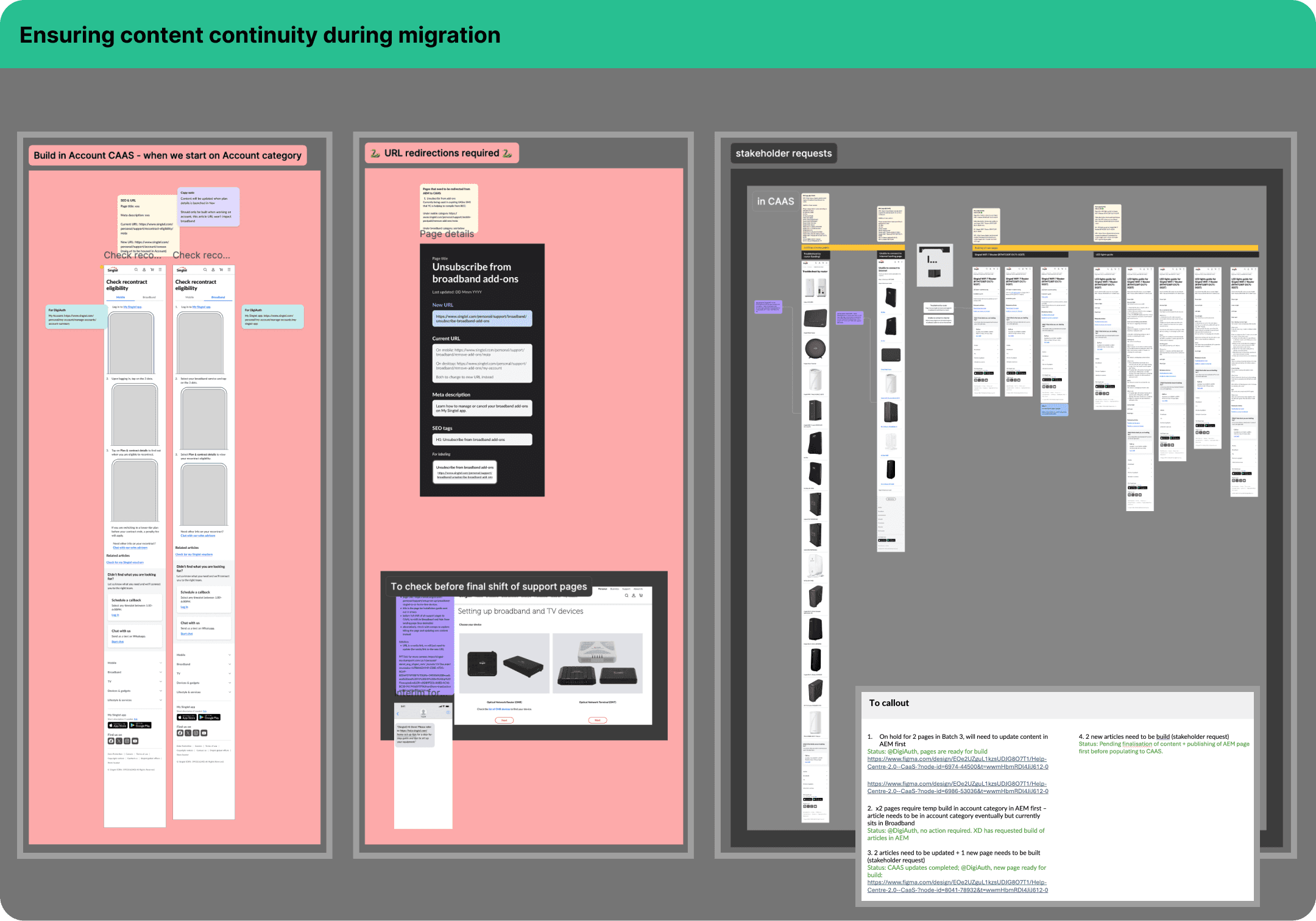
Redirect strategy — set up dedicated error pages for retired content
Temporary builds — rehomed misclassified articles from Broadband to Account before migration
Why broadband?
Highest complexity (content & volume)
1 of top call drivers

Challenge 2: Coordinating the build
The complexity
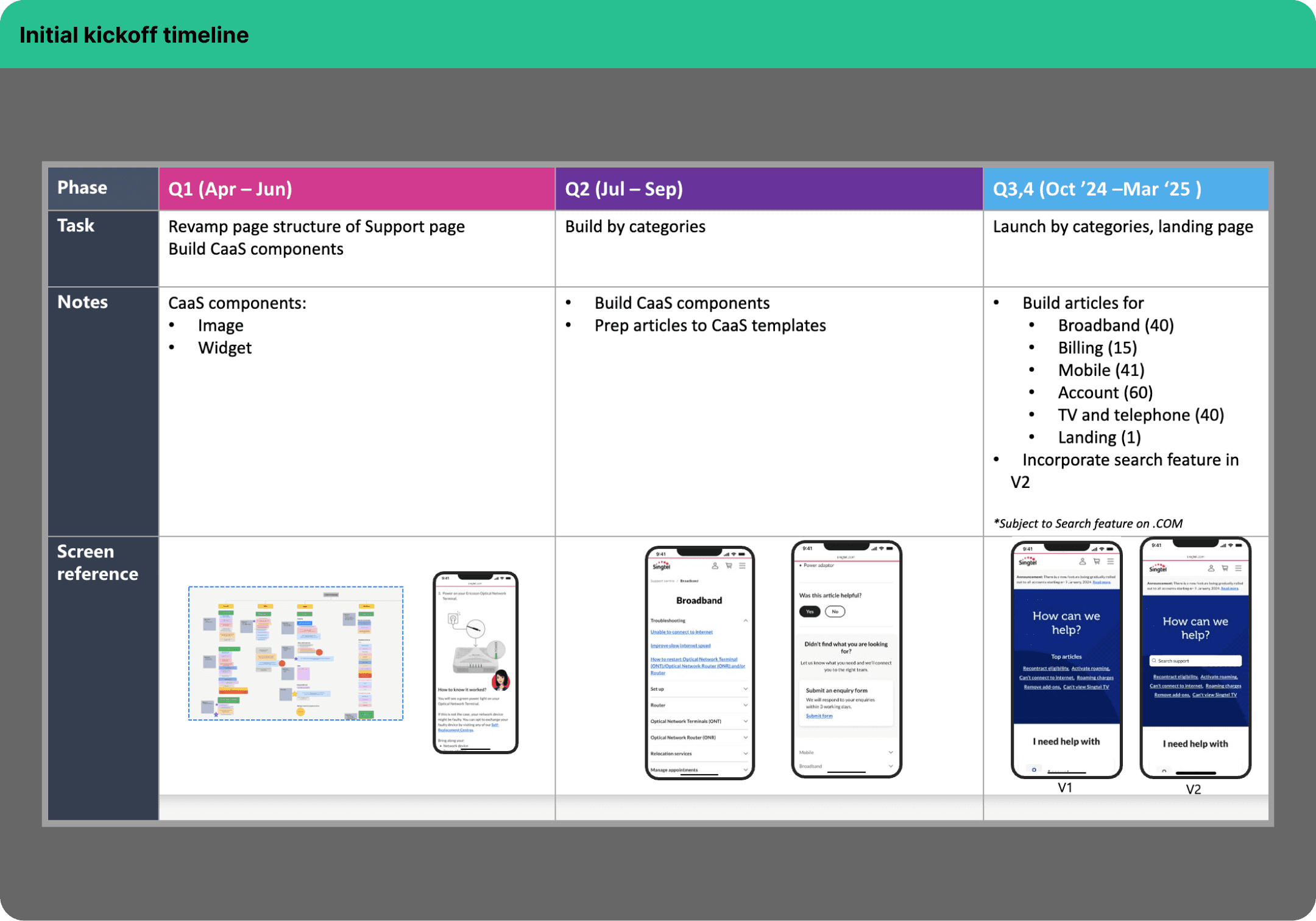
Rewrote and consolidated ~120 articles in Broadband category, cutting article count by 86%
3-phase rollout with UAT at each stage
Tracked design component readiness to unblock page builds
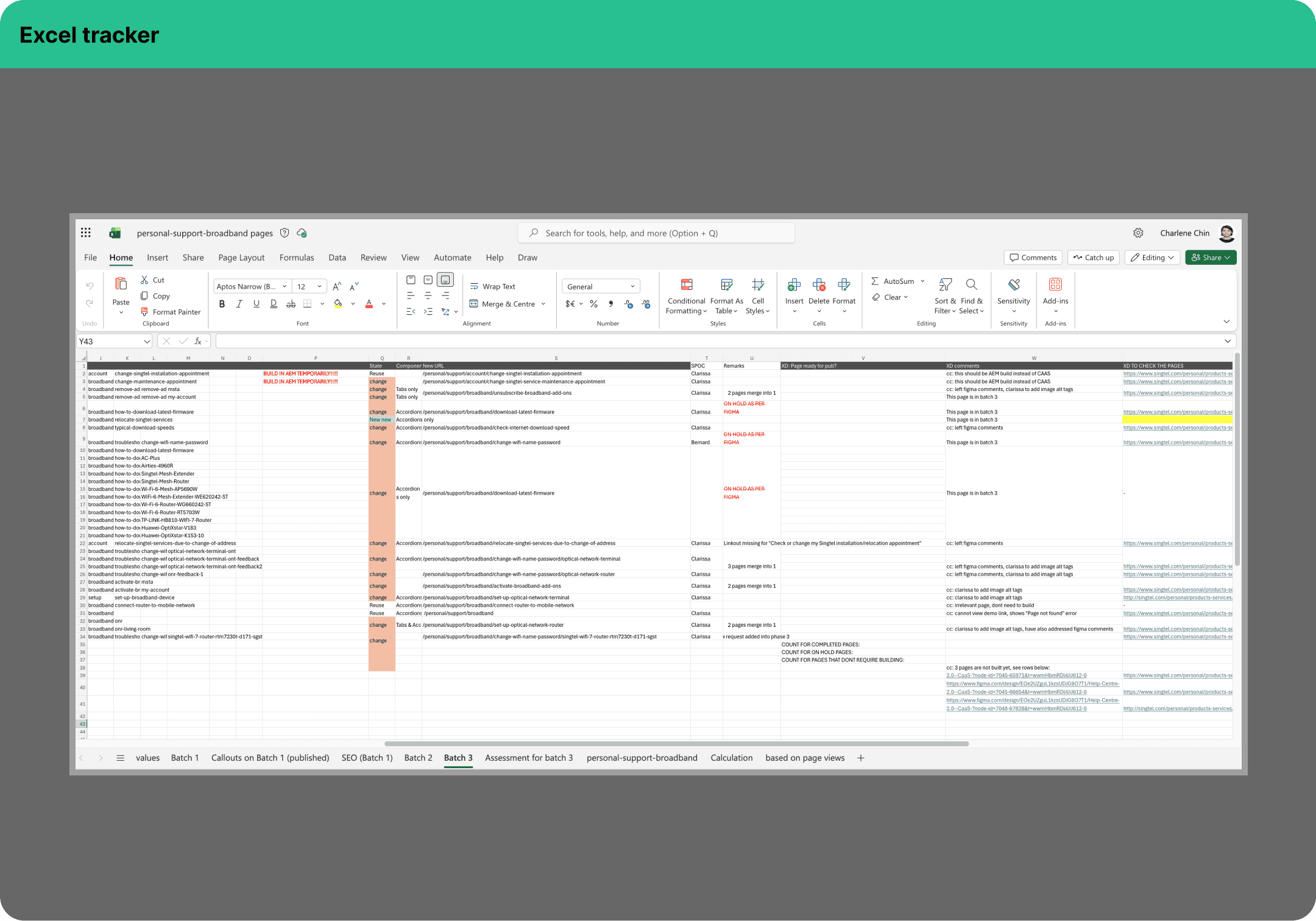
Ensured content continuity during migration, managing new content requests and redirecting legacy URLs used in email and SMS

Challenge 3: Process gaps
What went wrong

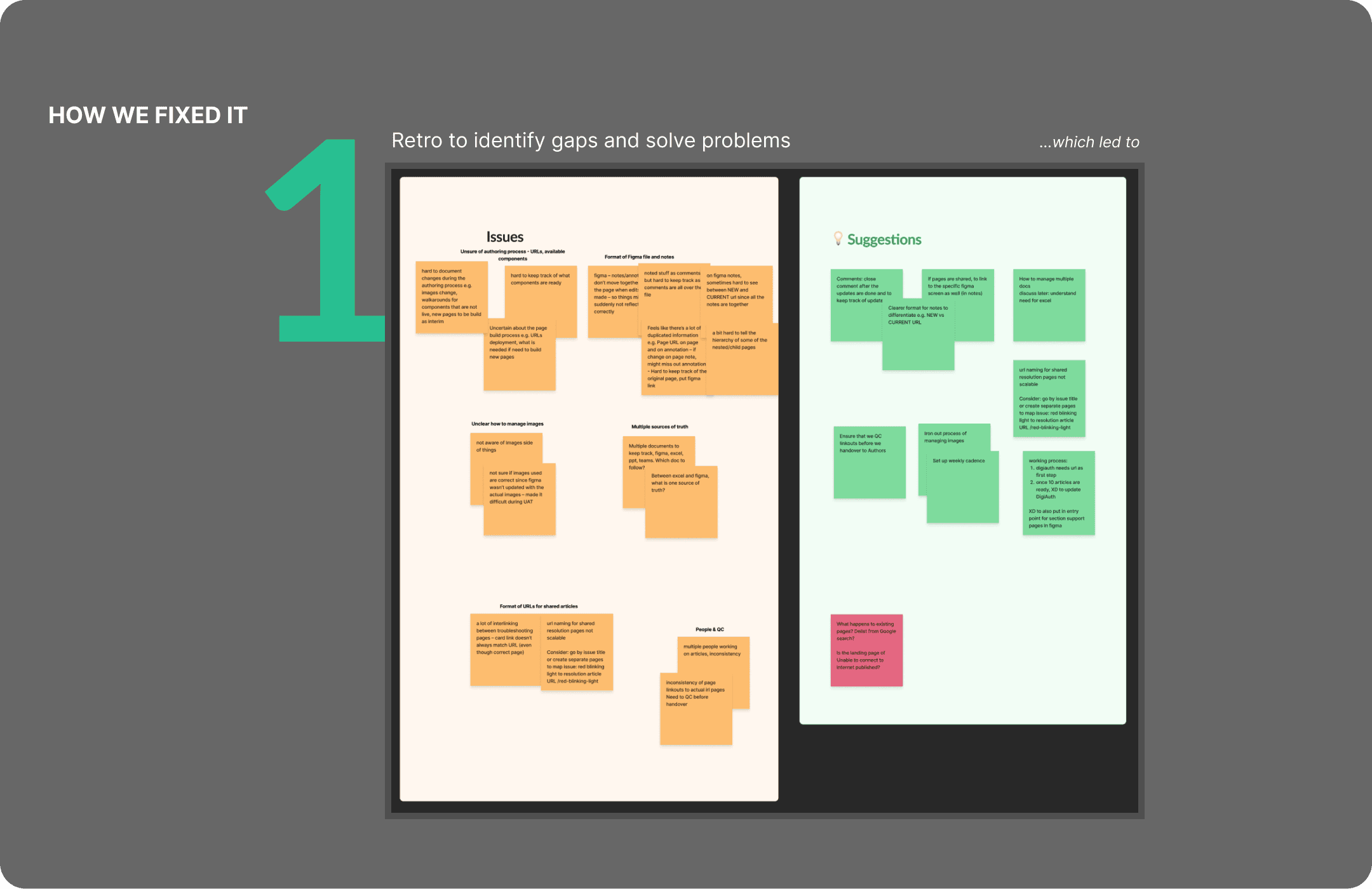
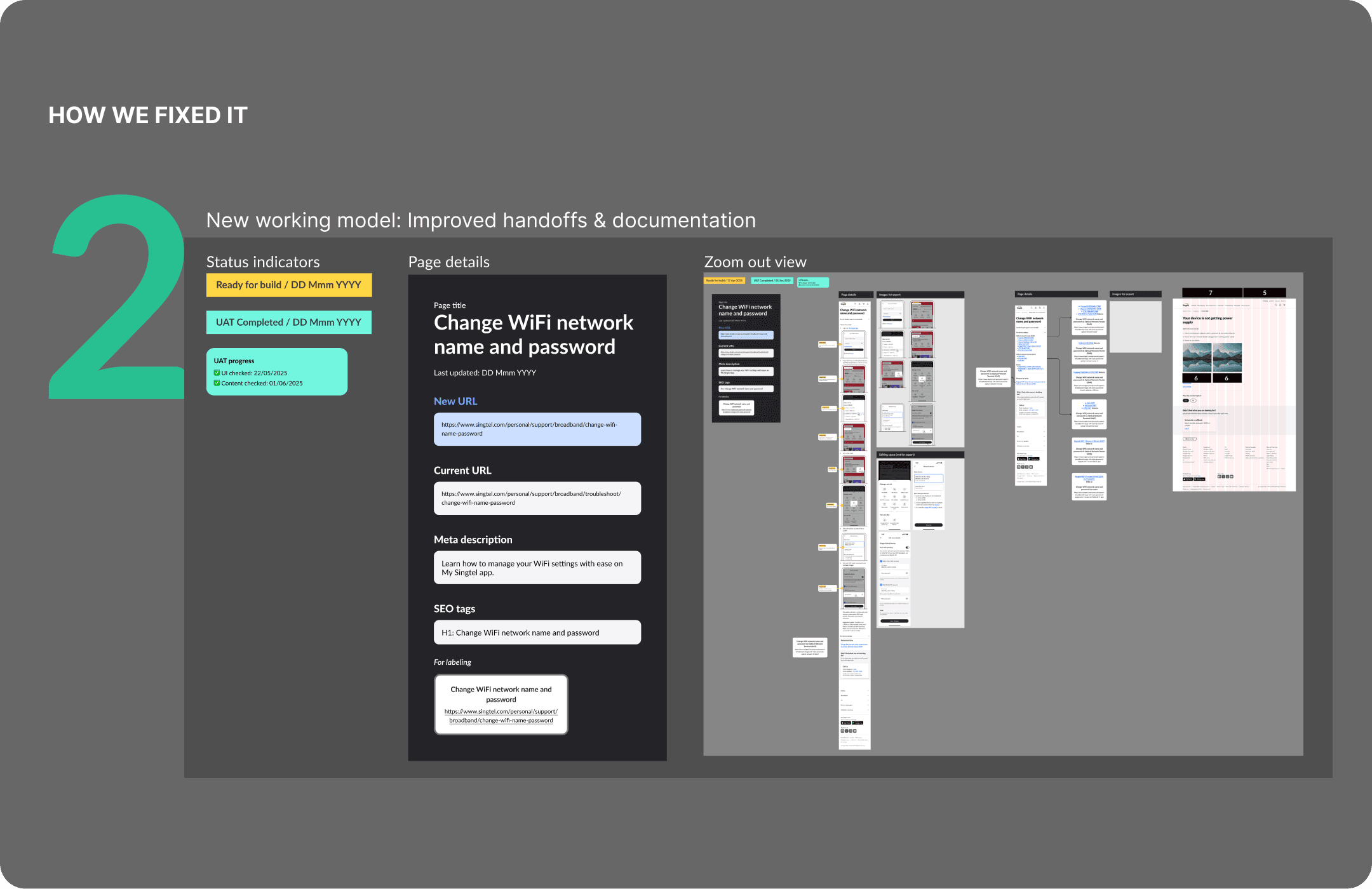
Handoff confusion
Digital authoring team unclear on shared content linkouts

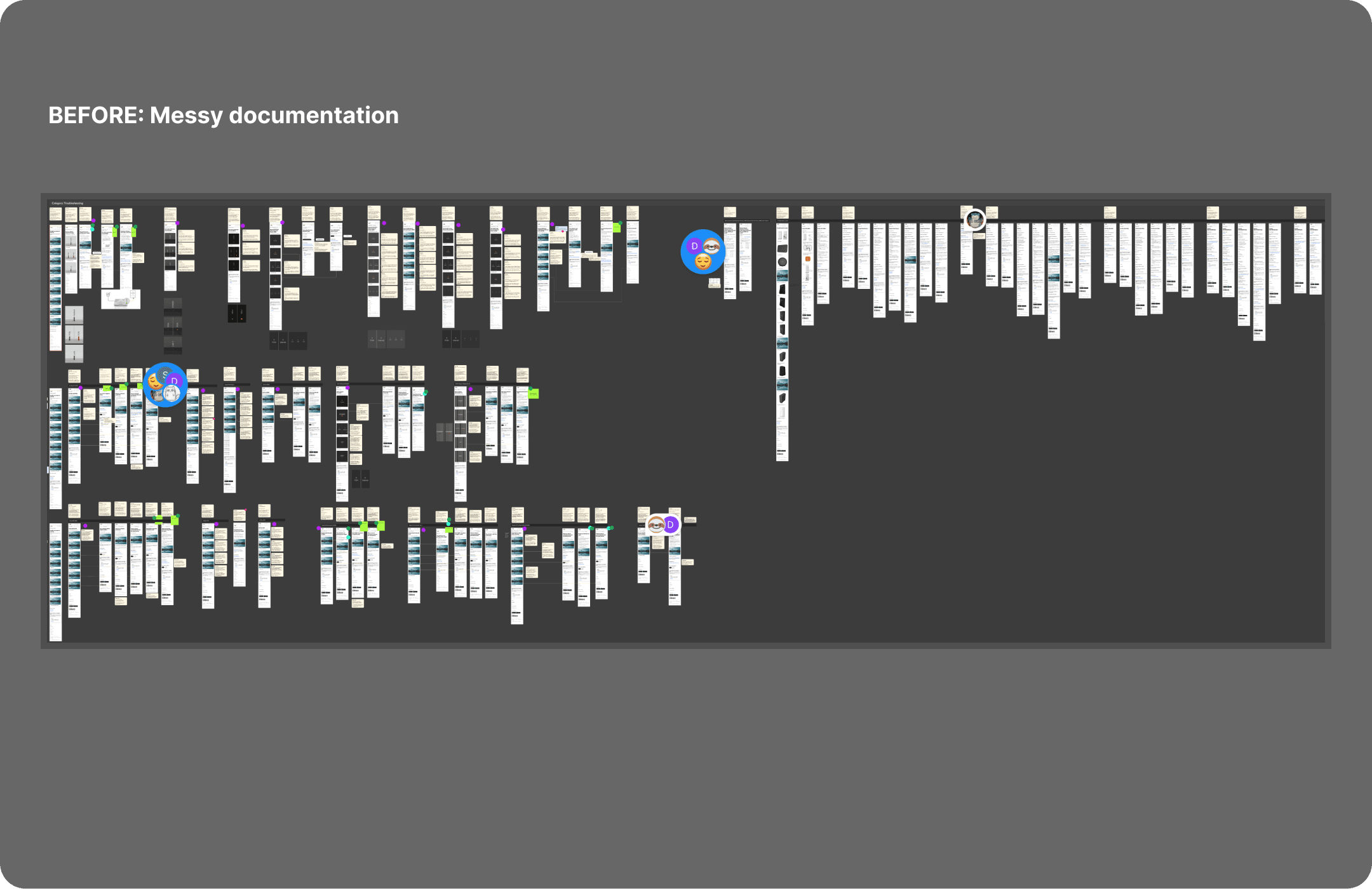
Messy documentation
Comments and notes peppered across Figma

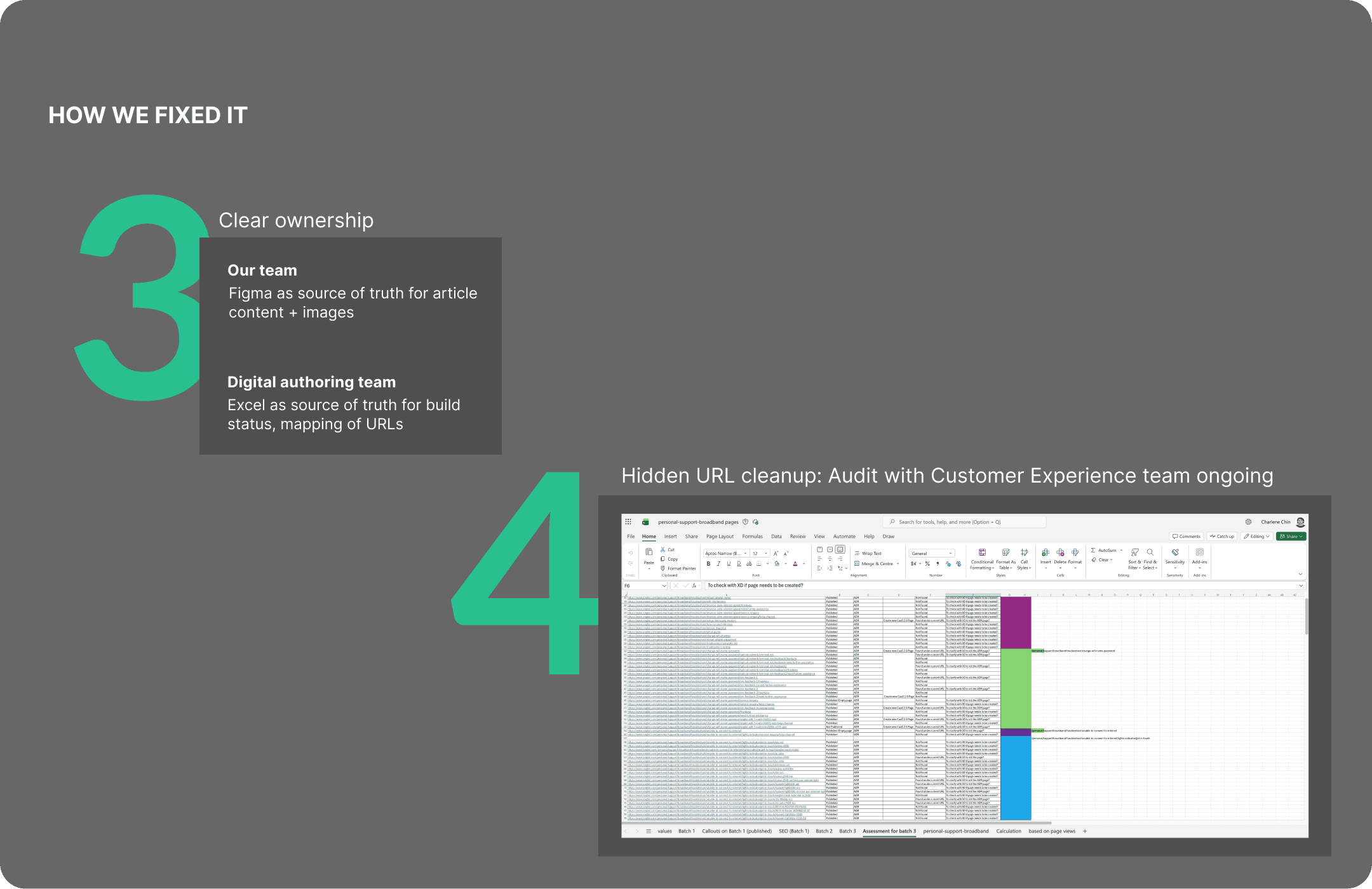
Multiple sources of truth
Figma, Excel, Powerpoint, Teams, Email

Hidden complexity
Discovered URLs inaccessible from page navigation
Where we are now
Current status
Phase 1: ✅
Phase 2: ✅
Phase 3: Content ready, pages built. Pending audit of hidden URLs before full migration of Broadband category
What’s working
Process improvements from Phase 1 retro paying off — Phases 2 and 3 running smoother
What’s next
Complete Phase 3
Finalise URL redirects and dedicated error 404s for retired pages
Track metrics: broadband call drivers, page analytics
Key learnings
Process problems need systematic fixes
I learned to pause, diagnose root causes with the team, and implement effective solutions rather than patching symptoms
Clear documentation & ownership is key in a large-scale project
Project kickoffs are important to outline processes at the start
With clear handoffs and documentations, teams move faster
Incomplete projects teach patience and adaptability
Not everything ships according to plan
My biggest takeaway? Building a scalable process that can be applied to other content migration projects